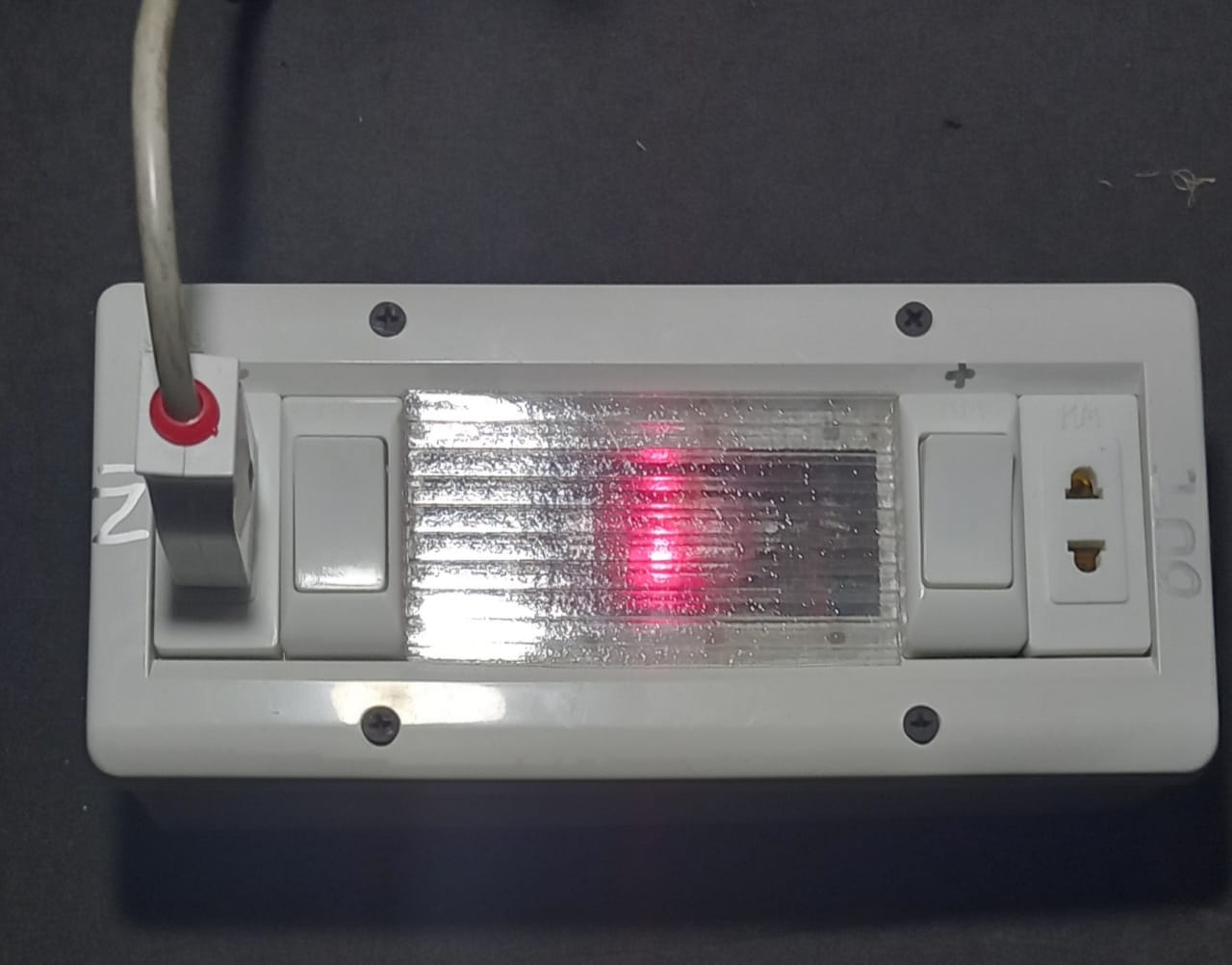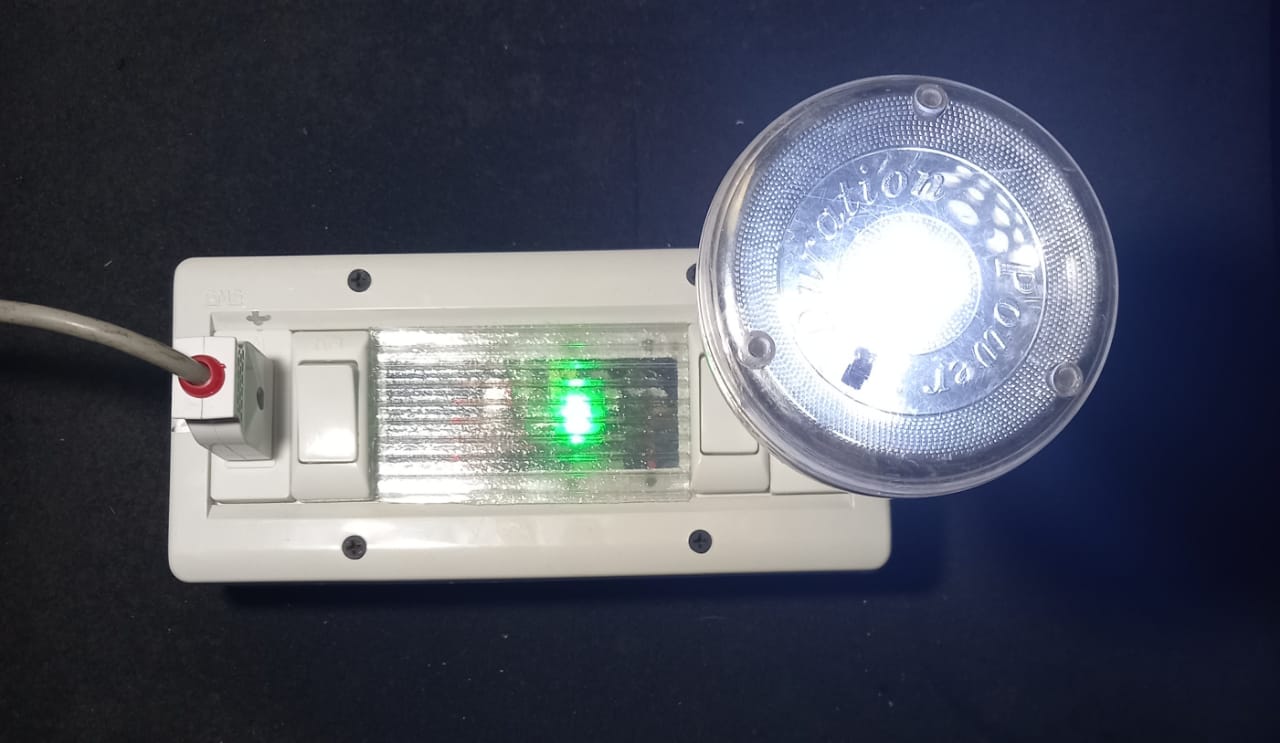
Smart WiFi Extension Box
$ 20
Control any electrical device with a power button remotely via Android app. Works with pumps, heaters, AC units, lights, fans and more within voltage/amp limits.
Key Features
- Espressif-based reliable controller
- Android app control (iOS coming soon)
- Schedule on/off timings
- Instant remote switching
- Easy 3-minute installation
- Built-in WiFi for local control
- Works with any 100-240V AC device
Full Description
The KeyToUse Smart WiFi Extension Box is a compact, powerful device that turns any appliance into a smart, remotely controllable device. Simply plug it in, connect to your home WiFi, and start controlling from anywhere using our Android app.
How It Works
Once installed between your wall outlet and your appliance, the extension box acts as a smart intermediary. It connects to your WiFi network and communicates with the KeyToUse mobile app, allowing you to turn the appliance on or off remotely, set schedules, and monitor status.
Use Cases
- Home Lighting: Control lights from bed or while away.
- Water Pumps: Turn on/off farm or garden pumps remotely.
- Heaters & ACs: Warm up your room before you arrive.
- Aquariums & Pet Feeders: Schedule feeding times.
Technical Specifications
| Input Voltage | 100-240V AC, 50/60Hz |
|---|---|
| Maximum Load | 10A / 2200W |
| Wireless Standard | WiFi 2.4GHz 802.11 b/g/n |
| Dimensions | 90 x 55 x 30 mm |
| Material | Fire-retardant ABS plastic |
| Compatibility | Android 11+ (iOS coming soon) |
Frequently Asked Questions
Do I need a hub, router, or bridge?
No, a direct peer-to-peer (P2P) secure and encrypted connection is established. No third-party device is needed between your mobile phone and the Smart WiFi Extension Box.
Do all users have a chat option, or can they send messages to each other?
No, users do not have a chat or message-sending feature. However, all device activities are visible to every user. There is no way to hide specific user actions from others. Any user can see the ON/OFF activities of other users, along with the corresponding name, date, and time.
Can I control it when I'm not at home?
No, your phone must be within Wi-Fi range. Future models are planned to include internet connectivity.
Is installation difficult?
No, Most users complete installation in under 3 minutes. Detailed instructions are included.
Does it work with Google Home or Alexa?
No, currently we support our own Android app. Integration with voice assistants is planned for a future update.
Is there a limit to how many Smart Extension Boxes can be registered on one mobile device?
No, there is no limit.
Can multiple users register the same device?
Yes, for example, all users in a home can register the Smart WiFi Extension Box controlling the main entrance gate.
Is there any limit to how many users and schedules can be created?
No, it depends on how much memory the WiFi Extension Box has available. All logs (up to 99 entries), users, and schedules are stored in internal memory of the Smart WiFi Extension Box. Future models are planned to have SD card slots for additional external memory.
Can we use a Smart WiFi Extension Box to control devices that run on DC power?
Yes, the Smart WiFi Extension Box itself requires AC power to operate, but it can control devices powered by either AC or DC.
Can a user delete or reset log entries?
No, a user cannot delete individual log entries. However, resetting all settings will remove all users, schedules, and log entries.
Can the admin user be deleted or renamed?
No, the admin is created by default and cannot be deleted or renamed. However, the admin can delete or change the details of other users. Please note that usernames are case-sensitive.
Can the Smart WiFi Extension Box reset to the default admin password if the password is lost?
No, if the admin password is lost and admin is logged out, there is no way to reset all settings to default. This is a critical issue and could render the Smart WiFi Extension Box unusable. There is no recovery possible in this situation.
However, a default user (user1) is created with the password "user1". If you lose the admin password, you can still use user1 to access all functions of the Smart WiFi Extension Box.
We recommend that when you sign in as admin, you create at least one additional user. This ensures that if the admin password is lost, other user accounts can still be used to log in.
Will you refund my money or fix the Smart WiFi Extension Box for free if it stops working?
Yes, but only if the Box is untouched and stopped working for no apparent reason. We will fix the problem free of charge.
No, if the device is damaged, repaired, broken, burnt, or tampered with. In such cases, we may refuse to fix the device, or if we agree to repair it, we will charge for both repair and parts.
Note: If the microcontroller chip is damaged, it is not repairable and must be replaced. Replacement cost will apply even if the Box is otherwise untouched.
We provide a basic check warranty at the time of purchase to ensure the device is working properly. However, electronic components can fail for various reasons and are not guaranteed beyond this initial check.
Do you offer any warranty for damage caused to my property by the Smart WiFi Extension Box?
No, we offer no warranty or guarantee for any damage arising to your property or belongings from the use of this device. By downloading and using the KeyToUse mobile app, you agree to all terms and conditions.
Is registration of the Smart WiFi Extension Box required before it can be used?
Yes, registration is required. Without it, you cannot use the device.
Do I need to register a Smart WiFi Extension Box again after reinstalling the KeyToUse mobile app?
Yes, you need to register again. When the mobile app is uninstalled, all registered devices are removed from the app's list.
Is the registration process simple?
Yes, it is very simple. Open the KeyToUse mobile app, go to Settings, and click the registration button to scan the QR code on your Smart WiFi Extension Box. No login or internet connection is required for registration. Simply ignore any messages asking you to sign in. Make sure all required permissions are granted to the KeyToUse mobile app before starting registration.
Is my device data secure?
Yes, your data is secure and encrypted. All your data is stored locally in your Smart WiFi Extension Box and in the KeyToUse mobile app on your phone. Both sides use strong encryption for your saved data offline. The current version of the KeyToUse mobile app does not use the internet for data storage.